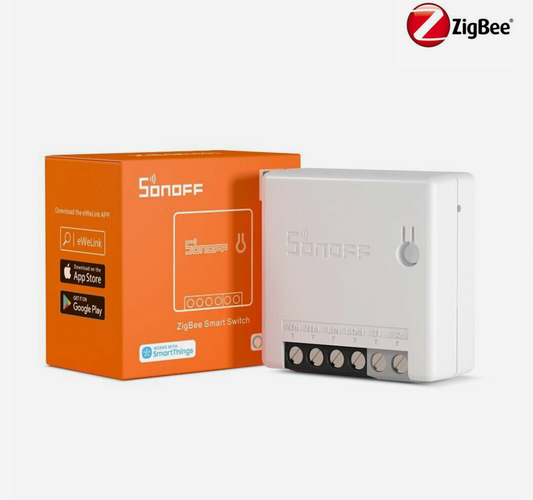
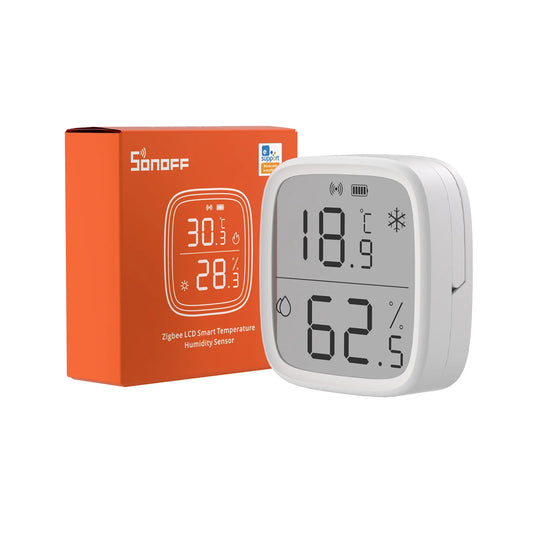
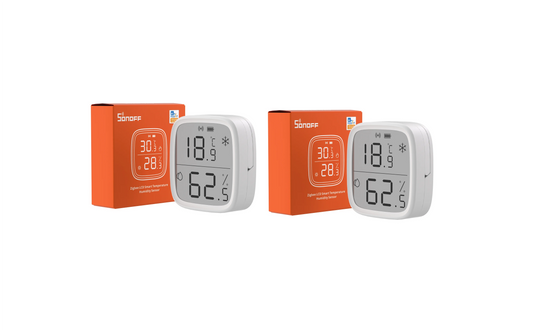
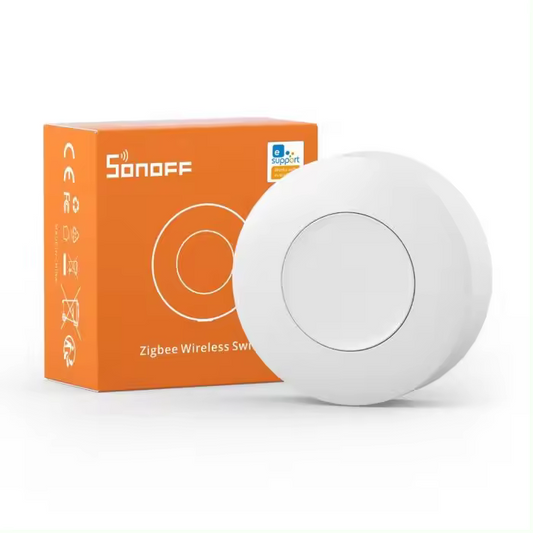
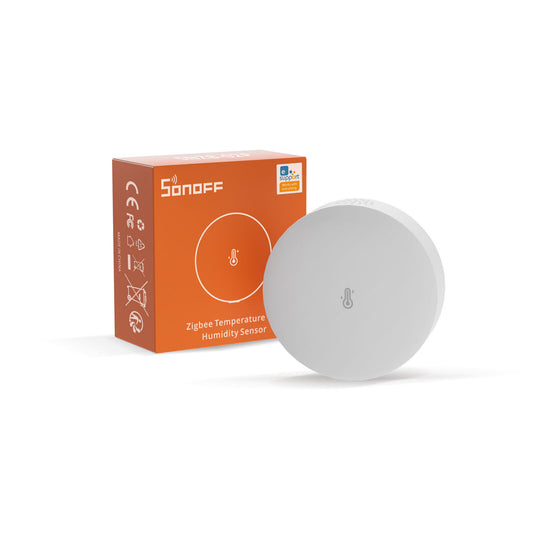
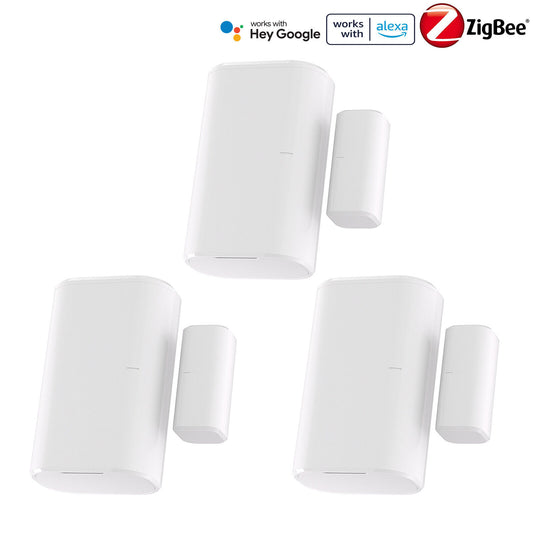
Collection: Zigbee

Zigbee devices for local smart-home networks

Build a responsive smart home with Zigbee sensors, switches, buttons and coordinators. Zigbee is well suited to Home Assistant users who want low-power devices, a local mesh network and reliable automations without depending on cloud-only control.

UK based support Local-first smart home products Home Assistant friendly

Choosing Zigbee products

Start with a compatible coordinator or hub, then choose devices for the job you need: sensing, switching, scene control or extending coverage. Powered Zigbee devices can help the mesh; battery devices usually do not route traffic.

Best for

Battery sensors, compact switches, smart buttons, local Home Assistant setups, Zigbee2MQTT or ZHA networks and whole-home automation coverage.

Compatibility

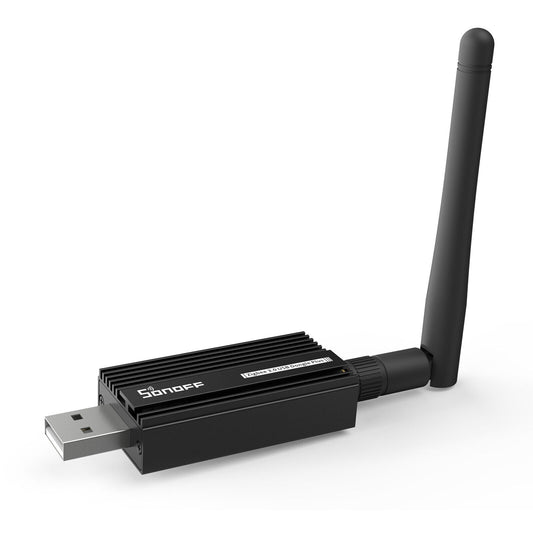
Most products need a Zigbee hub or coordinator. For Home Assistant, common options include Zigbee2MQTT and ZHA with a compatible USB coordinator.

Setup requirements

You need a coordinator or hub, enough mesh coverage and a sensible pairing process. Avoid placing coordinators directly beside noisy USB 3.0 ports without an extension cable.

What to check before buying

Check Zigbee version, battery type, router/end-device role, hub support, neutral-wire requirements for switches and product-specific compatibility notes.

Not suitable for

Not suitable if you have no Zigbee hub or coordinator. For hub-free Wi-Fi control, browse Wi-Fi, ESPHome or smart plug products instead.

Frequently asked questions

Do I need a Zigbee hub?

Yes. Zigbee devices need a compatible hub or coordinator before they can pair with your smart-home platform.

Does Zigbee work with Home Assistant?

Yes, when paired through a compatible coordinator using integrations such as Zigbee2MQTT or ZHA.

Do battery sensors strengthen the mesh?

Usually no. Battery Zigbee devices normally sleep to save power and do not act as routers.

How do I improve Zigbee reliability?

Use a good coordinator, place it away from USB interference, add powered router devices if needed and avoid weak-signal locations.